



Ayutthaya's Japanese Village Preparatory Site

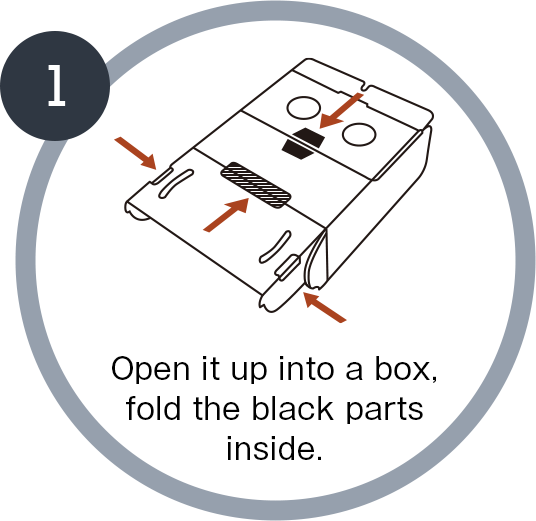
How to put the VRscope together

1.Open it up into a box, fold the black parts inside.

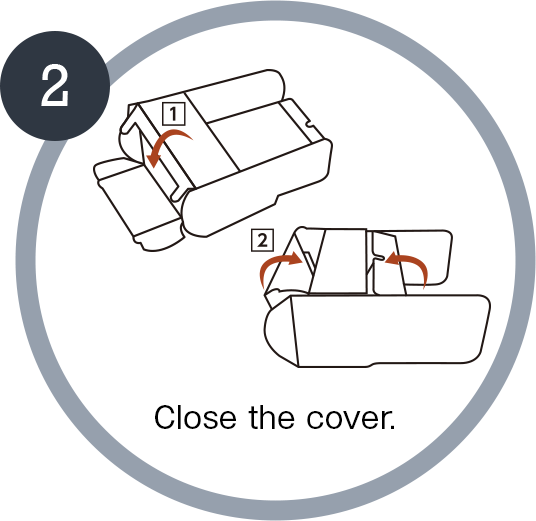
2.Close the cover.

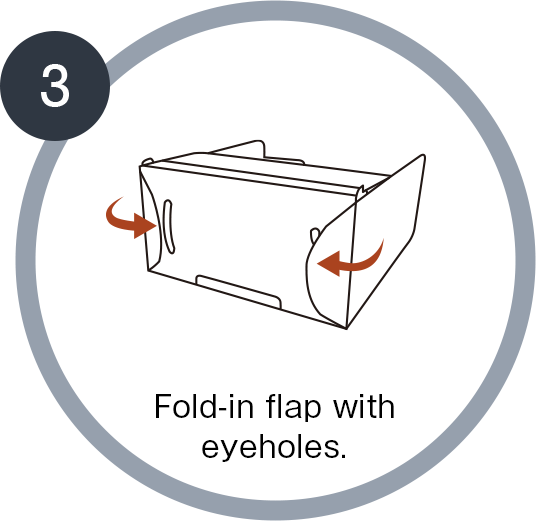
3.Fold-in flap with eyeholes.

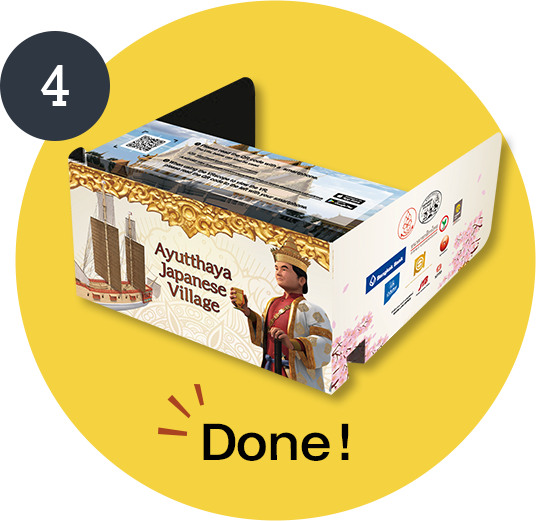
4.Done!

How to view the VR contents

The Japanese village VR contents can be viewed at home, too. To do so, download the VR contents to your smartphone according to the directions below.

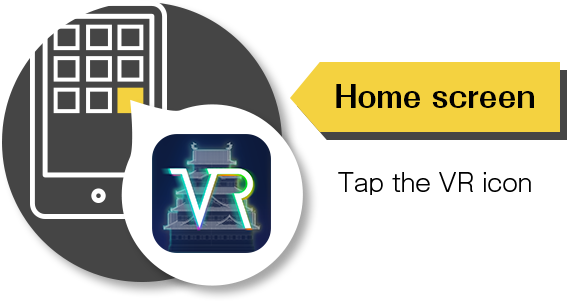
1.Start the StreetMuseum app

【Home screen】Tap the VR icon

2.Reading the QR code

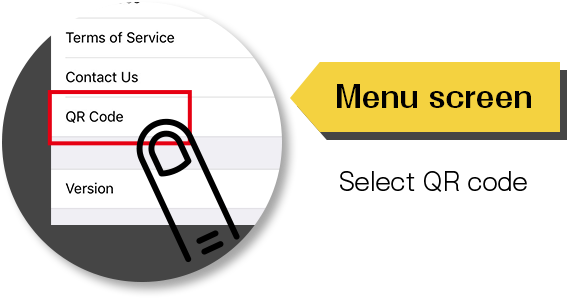
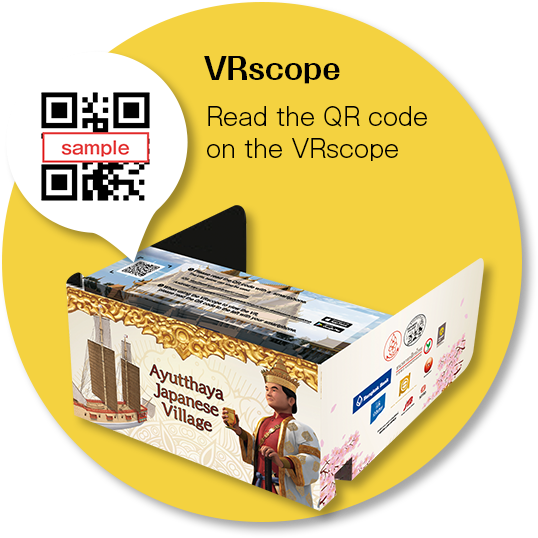
Menu → QR code, then read the QR code on the VRscope.
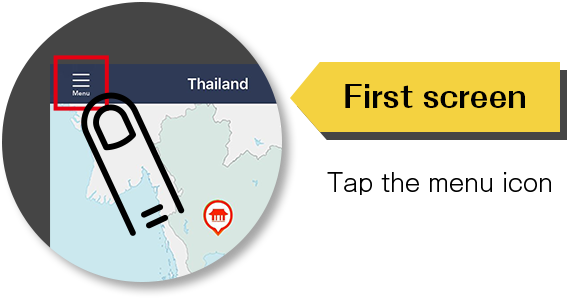
【First screen】Tap the menu icon

【Menu screen】Select QR code

【VRscope】Read the QR code on the VRscope

3.Playing the VR contents

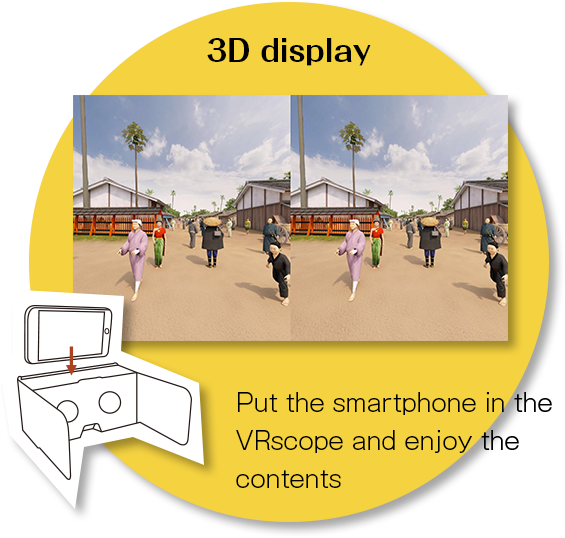
Tap the collection icon, select "Japanese village" and then select the VR contents you want to see. Then put the smartphone in the VRscope and, by looking up, down, left, and right, turning around 180 degrees, etc. you can view the old Japanese village.

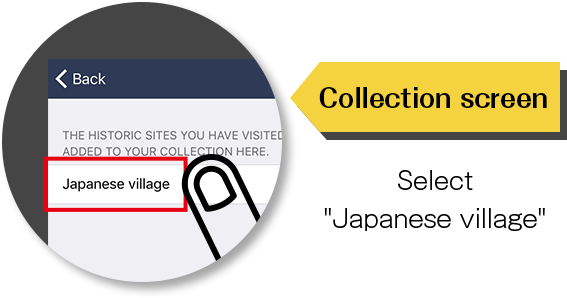
【First screen】Tap the collection icon

【Collection screen】Select "Japanese village"

【VR screen】Tap the VRscope button at the bottom and center of the screen to switch to 3D mode

【3D display】Put the smartphone in the VRscope and enjoy the contents

TOP